Tennis Ball





About Tennis Ball
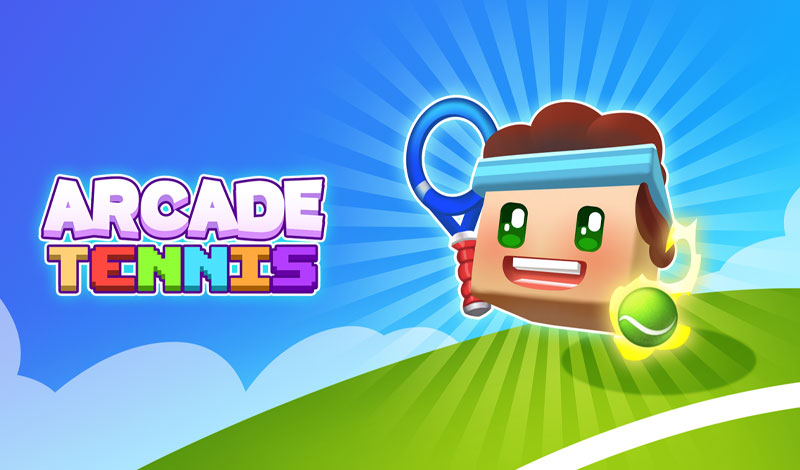
Tennis Ball plays the sport in a different way with a bouncing-focused arcade mechanic. Instead of traditional court rallies, you tap or click to keep a tennis ball bouncing through obstacle-filled courses. Gaps, spikes, walls, and moving traps stand between you and a high score, demanding precise timing on every press.The rhythm-based gameplay in Tennis Ball rewards consistency over speed. Each bounce needs to clear the next obstacle cleanly, and rushing leads to mistakes. Power-ups scattered through the course offer temporary advantages, but grabbing them means adjusting your bounce timing on the fly.
Tennis Ball Beginner's Guide
Click or tap to make the tennis ball bounce upwardTime each press to clear gaps and avoid obstacles
Spikes, walls, and moving traps appear as you progress
Grab safe power-ups for temporary advantages
Maintain a steady rhythm for consistent bouncing
The course gets progressively harder the further you advance
Advanced Tennis Ball Strategy
Find a steady tapping rhythm early and stick with it. Consistent timing carries you further than reactive clicking.Don't chase every power-up. Some require risky timing adjustments that aren't worth the reward.
Watch two obstacles ahead, not just the next one. Planning your bounce arc in advance prevents last-second panic.
Moving traps follow patterns. Observe their cycle before committing to a bounce through them.
Tennis Ball Features
Arcade bouncing mechanic with tennis ball themeObstacle courses with spikes, walls, and moving traps
Progressive difficulty that increases with distance
Power-up pickups that modify bounce behavior
Rhythm-based gameplay rewarding consistent timing
Minimalist visuals with clean obstacle design
All Games
Frequently Asked Questions
What's the goal in Tennis Ball?
Click or tap to make the tennis ball bounce upward Time each press to clear gaps and avoid obstacles Spikes, walls, and moving traps appear as you progress Grab safe power-ups for temporary advantages Maintain a steady rhythm for consistent bouncing The course gets progressively harder the further you advance
What are the controls for Tennis Ball?
Mouse: Left click to bounce the ball Keyboard: Spacebar also triggers bounces Touch: Tap anywhere on screen for mobile play Timing: Press at consistent intervals for best results
Can Tennis Ball be played on a phone or tablet?
Most of our games, including Tennis Ball, work on phones and tablets. If this arcade game leans heavily on keyboard controls, you'll have a smoother session on a computer.
Is Tennis Ball completely free?
You don't pay anything to play Tennis Ball. There's no paywall and no sign-up; ads on the site cover the costs of hosting this arcade game.
How do I get a high score in Tennis Ball?
Find a steady tapping rhythm early and stick with it. Consistent timing carries you further than reactive clicking. Don't chase every power-up. Some require risky timing adjustments that aren't worth the reward. Watch two obstacles ahead, not just the next one. Planning your boun
Is Tennis Ball hard to learn?
Beginners can pick up Tennis Ball quickly — the controls and goal are clear from the start. The real challenge comes later as the pace picks up and patterns get harder.